
Find and add Status Gadget for Jira
In Jira Cloud terms, you buy an app by subscribing to it.
To find and try Status Gadget for Jira:
-
Open your Jira Cloud instance.
-
Select
Apps → Explore more apps. -
Search for
Status Gadget for Jira. -
Select the app in the list.
-
This opens the detailed listing of the app:
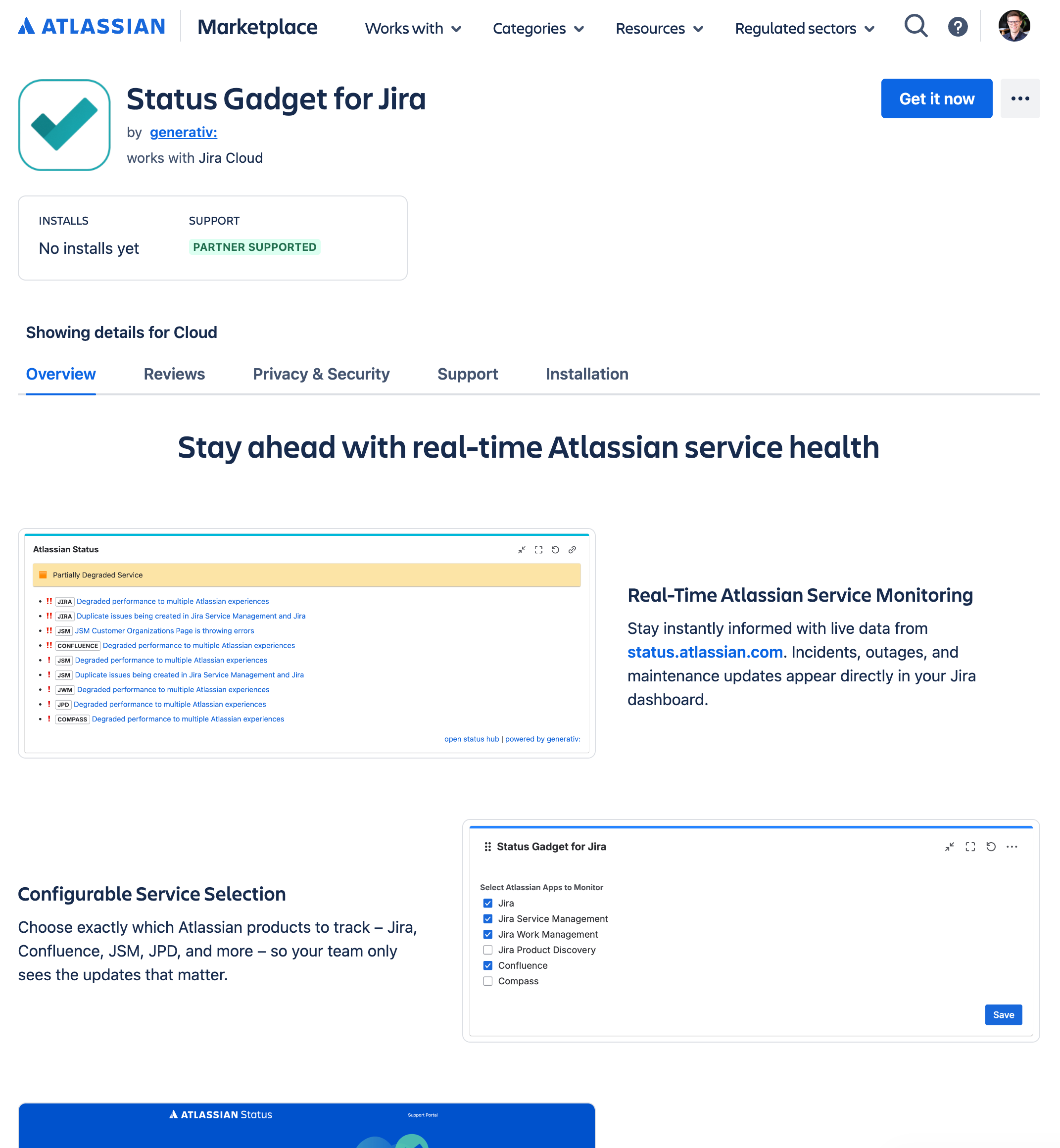
To try the app or subscribe to it, click Try it free in the top right corner.
For more information, visit the Atlassian Marketplace.
Cancel the app subscription
To cancel your subscription, follow these steps:
-
Open admin.atlassian.com and select your organization if you have more than one.
-
Go to
Apps → Sitesand select your site. -
Select
Connected apps. -
Click the three dots on the right side of Status Gadget for Jira.
-
Select
Manage subscription. -
Click the three dots at the top right and choose
Cancel subscription.